Choosing an automotive scanner is less about buying the device with the longest feature list and more about matching the tool to the vehicles and jobs you actually handle. A basic code reader, an all-system tablet, a TPMS tool and an advanced programming platform solve very different problems.
This Autel scanner buying guide explains how to compare those categories, check vehicle coverage and account for software updates before you order. It does not assume that one model is best for every driver or workshop.
Quick checklist before you compare Autel scanners
Write down the year, make, model, engine and market region for each vehicle.
List the exact jobs you need: reading codes, service resets, active tests, TPMS, key work, coding or programming.
Check coverage for every required function, not only the vehicle name.
Confirm whether adapters, a VCI, a hardwire connection or extra accessories are required.
Compare the included update period and the cost of keeping software current.
Verify warranty, support and the final checkout total before paying.
Start with the vehicle and the job
The same scanner can support one function on a vehicle but not another. Coverage may differ by model year, engine, control module, region and installed software. That is why a general statement such as “works with many vehicles” is not enough for a confident purchase.
Build a short job list first. A DIY owner who wants to read a check-engine light has a different requirement from a technician who needs bidirectional tests, module topology, key programming or ADAS work. If one vehicle is especially important, ask the seller to confirm that exact year, make, model, engine and function in writing before ordering.
The official Autel-US vehicle coverage page is a sensible starting point, but a pre-purchase compatibility check is still important for a specific workflow.
Understand the main Autel tool categories
Basic OBD2 code readers
A basic code reader is the most practical category when the goal is to read and clear common powertrain trouble codes, view readiness information and investigate a check-engine light. These tools are generally simpler and faster to learn than a professional tablet.
They are not automatically a substitute for an all-system scanner. If you need access to ABS, airbag, body, transmission or manufacturer-specific modules, confirm that support before buying.
All-system diagnostic tablets
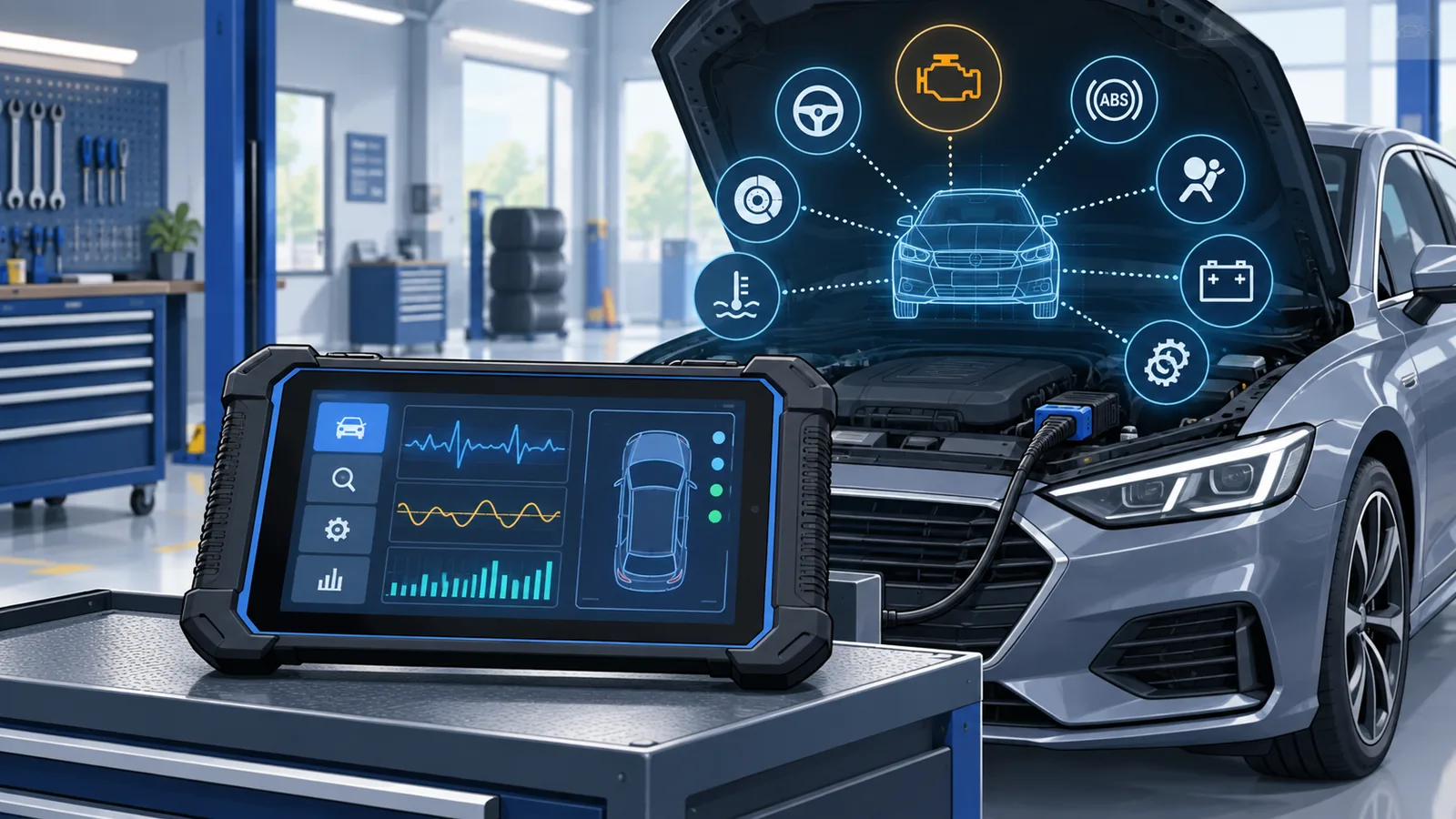
An all-system tablet is aimed at broader vehicle diagnostics. Depending on the model and supported vehicle, it may communicate with multiple control modules, display live data and provide service functions. This category can suit serious DIY work, mobile technicians and repair shops that need more than emissions-related code reading.
Do not treat “all-system” as a promise that every function works on every vehicle. The useful question is whether the exact system and procedure you need are supported on your vehicle.
Bidirectional scan tools
Bidirectional or active-test capability lets a compatible tool request actions from supported components and modules. That can help a technician test a system instead of relying only on passive data. Availability still varies by vehicle and function, so it belongs on the compatibility checklist rather than being assumed from the product category alone.
TPMS tools and sensors
TPMS work can involve reading sensor data, relearning positions, programming compatible replacement sensors or diagnosing system faults. A dedicated TPMS tool may be a better fit than a general scanner when tire-pressure service is the main job. Check which sensor frequencies, vehicle procedures and accessories the tool supports.
Key and immobilizer tools
Key programming and immobilizer work is a specialist category with vehicle-specific requirements and security obligations. Confirm supported vehicles, required adapters, credential requirements and local rules before purchasing a tool for this purpose. A product name alone does not prove that every key procedure is available.
ADAS, EV and advanced programming platforms
ADAS calibration, high-voltage vehicle diagnostics and pass-thru programming are professional workflows that may require training, targets, measurement equipment, subscriptions or other hardware beyond the tablet itself. These platforms make sense only when the full workflow and ongoing cost match the work you perform.
Features that matter more than a long specification list
Vehicle and function coverage
Coverage is the first filter. Record the vehicles and procedures you need, then check them individually. Include the market version of the vehicle because regional configurations can differ.
Wired or wireless communication
A compact wired reader can be convenient for quick checks. A wireless VCI can make it easier to move around a vehicle while viewing live data, but it adds another device to charge, update and manage. Choose the arrangement that fits your actual working environment.
Service functions and active tests
Oil reset, electronic parking brake service, battery registration, steering-angle calibration and other procedures are useful only when they cover the vehicles you service. Count confirmed functions, not the number printed in a headline.
Software updates
Diagnostic coverage changes as vehicles and software evolve. Check how long updates are included, what happens when that period ends and whether the tool continues to operate with its installed software. Renewal costs can materially change the total cost of ownership.
Support, warranty and region
Confirm that the device version matches the market where it will be used and that the seller provides appropriate support. For a professional tool, access to compatibility help and troubleshooting can be as important as hardware specifications.
Which type of Autel scanner fits your use case?
Use case | Category to compare | Key question |
|---|---|---|
Check-engine-light troubleshooting | Basic OBD2 reader | Does it provide the codes and live data you need? |
DIY maintenance across several systems | All-system scanner | Are the required modules and resets supported? |
Independent repair work | Bidirectional diagnostic tablet | Which active tests work on your vehicle list? |
Tire-pressure service | TPMS tool | Does it support the sensors and relearn procedures you use? |
Locksmith or immobilizer work | Key/IMMO tool | What credentials, adapters and vehicle coverage are required? |
ADAS, EV or programming workflow | Advanced professional platform | What extra hardware, training and subscriptions are needed? |
For a broader cross-brand overview, see our guide to the best automotive diagnostic scanners. Use that comparison to narrow the category, then return to vehicle-specific coverage before choosing a model.
How to compare total ownership cost
The purchase price is only one part of the decision. Add any VCI, adapters, cables, hardwire equipment, sensors, calibration hardware or subscriptions required for the work. Then note the included software-update period and the current renewal terms.
A less expensive scanner can be poor value if it lacks the one function you need. An advanced tablet can also be poor value when most of its capabilities will never be used. The right tool is the least complex option that reliably supports your vehicle list and workflow.
Where to check current Autel-US options
The official Autel-US diagnostic tools collection groups current scanner listings in one place. Product names, included accessories, update periods and availability can change, so read the current listing before ordering.
Compare current Autel-US diagnostic tools →
Affiliate disclosure: StackTheCoupons may earn a commission if you purchase through this link, at no additional cost to you. We do not claim a specific discount here. Confirm product compatibility, any displayed offer, and the final total on the merchant's checkout page.
Frequently asked questions
Which Autel scanner is best for a DIY owner?
Start with the simplest category that supports the systems and service functions you actually need. A basic reader may be enough for check-engine-light work, while broader maintenance can require an all-system scanner. Verify coverage for your exact vehicle before ordering.
Does every Autel scanner work with every vehicle?
No. Support varies by device, vehicle, model year, engine, region, control module and function. Confirm the exact combination instead of relying on a broad compatibility statement.
What is the difference between a code reader and a bidirectional scanner?
A code reader primarily retrieves diagnostic information. A supported bidirectional scanner can also request active tests from vehicle systems. The available tests depend on the tool and vehicle.
Do software updates matter?
Yes. Updates can add or revise vehicle coverage and diagnostic functions. Check the included period, renewal cost and what remains available if you do not renew.
Should I choose a U.S.-market version?
If you work on vehicles in the United States, confirm that the tool, coverage, warranty and support are intended for that market. Region can affect configuration and service access.
How should I verify compatibility before buying?
Provide the seller with the year, make, model, engine, market and exact function you need. Keep that response with your purchase records and recheck the live product listing before checkout.
Final checklist
Define the vehicles and jobs.
Select the right tool category.
Confirm coverage for each critical function.
List required hardware and subscriptions.
Compare update, warranty and support terms.
Verify the merchant page and final checkout total.
Following that sequence helps prevent both underbuying and paying for professional capabilities you will not use.