StayFi is not a hotel-booking app. It is a guest WiFi and marketing platform aimed at vacation-rental operators, multifamily properties, small hotels and some UniFi deployments. That distinction matters: evaluating it is less about finding a room and more about deciding how a new guest network, captive portal, data flow and recurring service fit an accommodation business.
This article contains affiliate links. If you follow one and make a purchase, StackTheCoupons may earn a commission at no extra cost to you. That relationship does not change the checks below.
Correct the category before comparing products
The official StayFi pages describe branded WiFi splash pages, property-level customization, guest-information collection, marketing integrations and separate guest and homeowner networks. The setup documentation also covers assigning WiFi devices to properties, naming the new network, building splash pages and connecting outside systems such as a property-management system, CRM or email platform.
That makes the relevant comparison set guest-network and hospitality-marketing tools—not consumer travel marketplaces. Start by writing down the problem you want to solve: reliable guest connectivity, consistent WiFi instructions, consented contact capture, post-stay communication, network monitoring, or some combination. A clear goal keeps attractive dashboard features from substituting for an operational requirement.
Map the network before choosing hardware
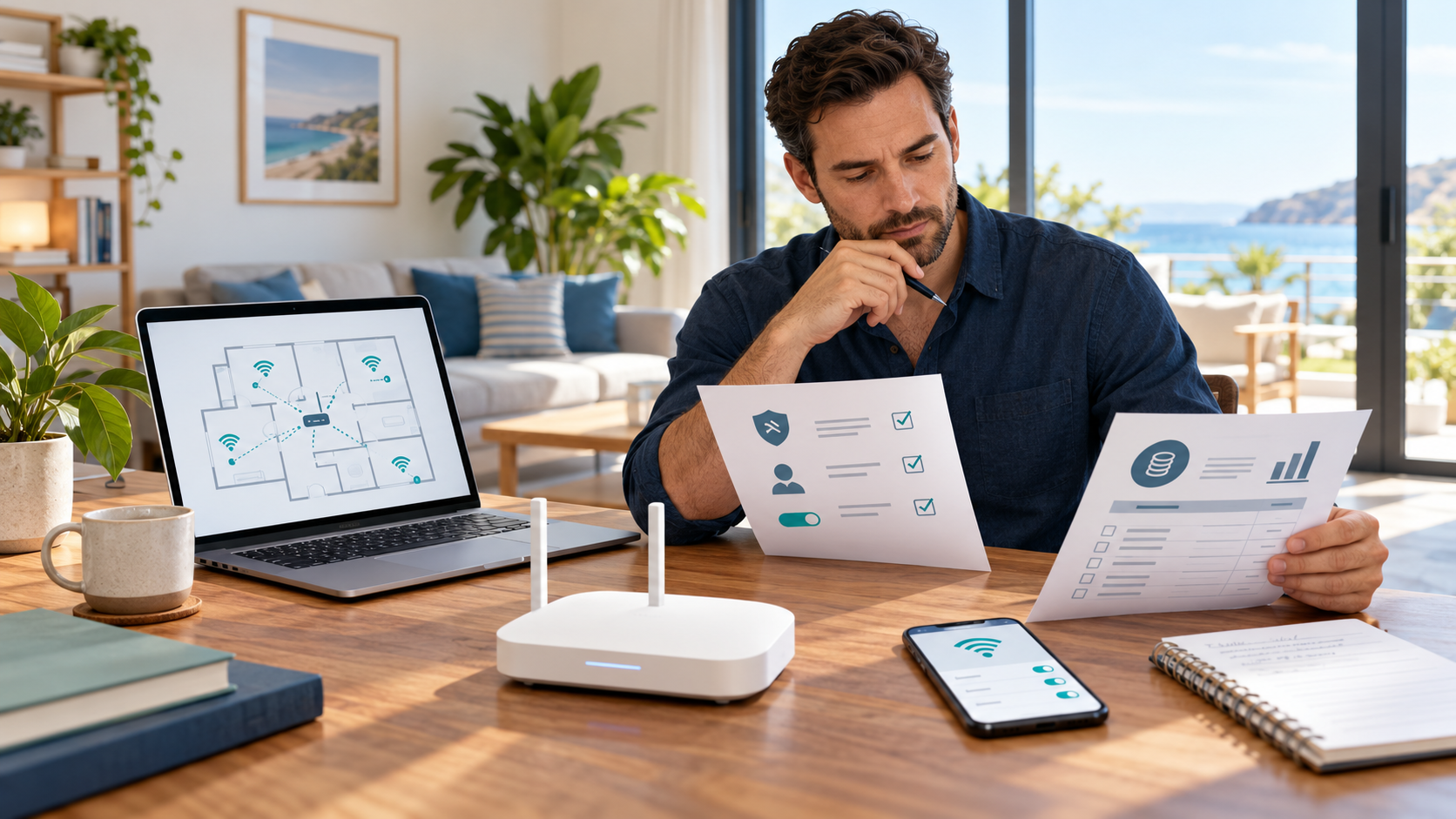
Create a one-page diagram for each property. Record the internet provider, modem or gateway, router, mesh nodes or access points, wired backhaul, owner-only devices and areas where signal quality is weak. Include any smart locks, cameras, thermostats or other equipment that should remain on a separate network.
StayFi's current pricing and setup pages describe several deployment paths, including StayFi Express, pre-programmed Aginet hardware and configurations involving Amazon eero, TP-Link Deco, TP-Link Omada, Aruba or UniFi equipment. Compatibility is not a reason to assume every topology will work the same way. Confirm the exact model, number of billable devices, wiring requirements and who will support the underlying internet connection before ordering anything.
The official help center says the StayFi access point broadcasts a new guest network. Guests must join that network for the splash page to appear; joining the original network can bypass the intended flow. Plan to update digital guidebooks, pre-arrival messages, printed instructions and support scripts at the same time.
Design the guest login and consent flow
A captive portal can collect names, email addresses, phone numbers and device-related information. The StayFi privacy policy, last updated July 31, 2025, says information may be used to operate and personalize services, shared with the relevant vacation-rental management company and certain advertising partners, and transferred outside the country where it was collected.
Operators should therefore review more than the visual splash-page editor. Decide what data is truly needed, which fields are optional, how consent is presented, where records are exported, how long they are retained, and how a guest can unsubscribe or exercise applicable privacy rights. Inventory every connected PMS, CRM, email, SMS, analytics or advertising service because each connection expands the data flow.
StayFi's terms place responsibility on the client for required authorizations and consents. The product page says opt-in language can be edited, but editable language is not a universal compliance guarantee. Privacy, direct-marketing and electronic-message rules vary by jurisdiction. Obtain qualified advice for the regions where the properties and guests are located rather than copying one notice across an entire portfolio.
Model billing beyond the headline price
The live pricing page separates WiFi, email and text components. It says WiFi billing depends on billable devices and the deployment type, email pricing depends on contacts and qualifying conditions, and text messages consume different numbers of credits by destination. Hardware is priced separately. Because pricing and plan details can change, verify the calculator and checkout terms on the day of purchase instead of relying on an old screenshot or quoted starting price.
Build a monthly estimate that includes:
every billable access point or device across all properties;
email contacts at the expected list size;
text-message credits for actual destination countries;
hardware, shipping, tax, installation and replacement needs;
any PMS, CRM, email or guidebook subscription used with the service;
staff time for consent review, guest support and list hygiene.
Also read the cancellation and refund language. The current terms say certain fees are calculated from prior-month activity, cancellation requires written notice, billing continues through the end of the cancellation month, and refunds may be discretionary. Confirm the exact terms attached to your account before committing.
Pilot one property before scaling
Use a representative property, not the easiest one. Test guest and owner network separation, coverage in bedrooms and outdoor areas, portal behavior on common phone platforms, reconnect behavior, outage alerts and the path a guest takes when something fails. Verify that smart-home equipment stays on the intended network.
Run test records through every enabled integration. Confirm that consent status and property attribution remain intact, duplicates are handled correctly, exports are available and unsubscribe requests propagate as expected. Document how staff will respond when the internet provider is down versus when a StayFi device or configuration is the problem.
Do not treat vendor case-study outcomes as forecasts for a particular portfolio. Direct-booking results depend on the property, guest mix, consent rates, message quality and many other factors. Define a small set of measures before the pilot—such as successful guest connections, support contacts, valid opted-in records and total operating cost—then decide whether expansion is justified.
Questions to resolve before signup
Which exact network and hardware configuration will each property use?
How many devices, contacts and text credits will be billable in a normal and peak month?
What information will the splash page request, and what lawful basis or consent applies?
Which third-party systems receive guest data, and who handles deletion or opt-out requests?
What is the support and fallback procedure when the portal or internet connection fails?
What do the current cancellation, billing and refund terms say for this account?
When those answers are documented, review the StayFi merchant page for the eventual canonical offer record or visit the merchant directly.
Check the current StayFi product, pricing and terms: Visit StayFi
Prices, compatibility, features and policies can change. Confirm the final configuration, costs, regional requirements and contract terms directly with StayFi before purchase.