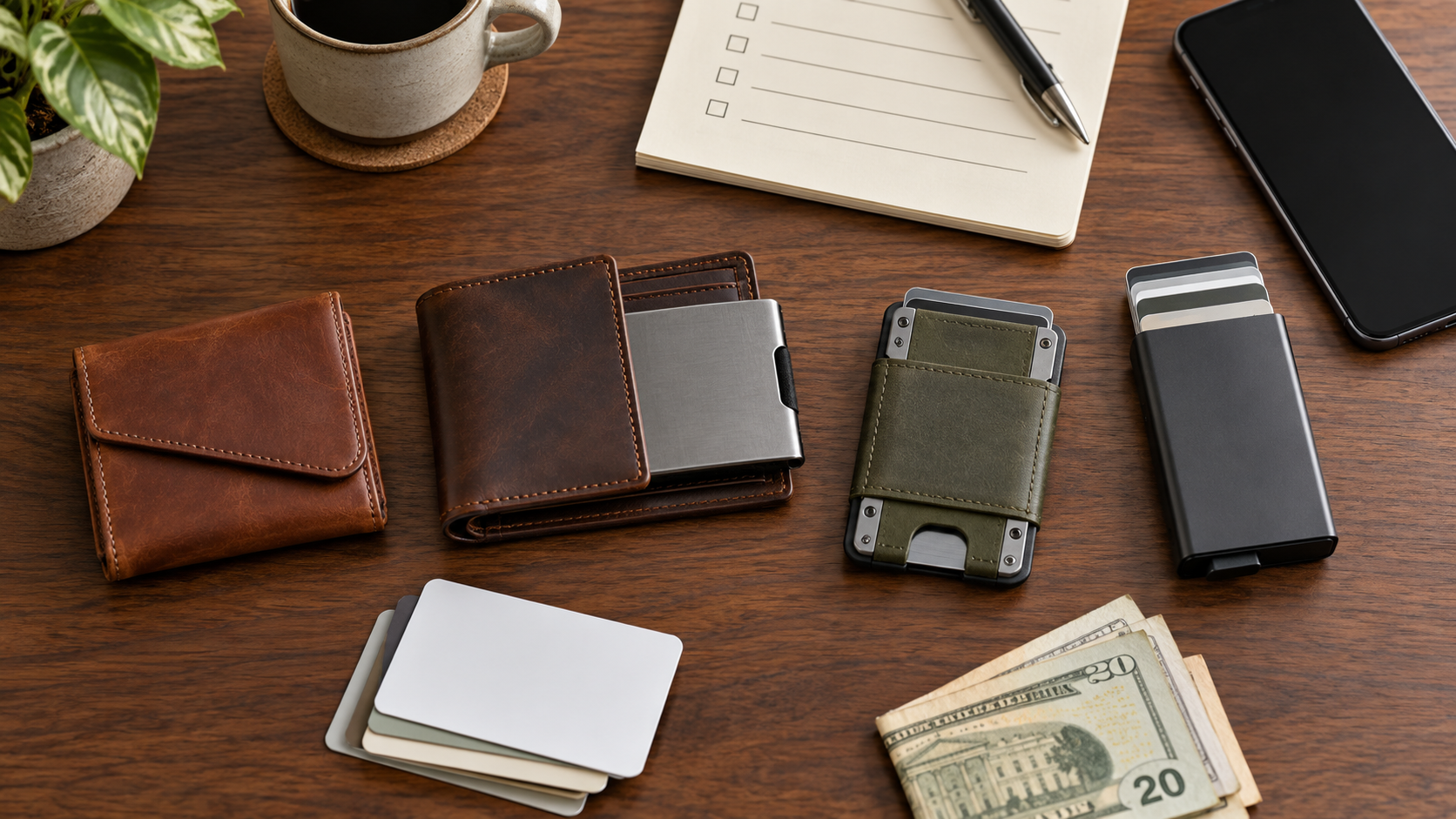
Choosing a Double Oak Essentials wallet starts with a more useful question than “Which one looks best?” Ask what you carry on an ordinary day, which cards need quick access, whether you use cash, and whether MagSafe matters in the exact configuration you plan to order. The merchant’s Cloud, Bifold, Mod and pop-up formats solve different carry problems, and their pockets, RFID coverage and attachments are not interchangeable.
This article contains affiliate links. If you follow one and make a purchase, StackTheCoupons may earn a commission at no extra cost to you. That relationship does not change the checks below.
Prices, promotions, colors and availability can change. This guide does not promise a discount or quote a checkout total; verify the selected variant and final terms directly with the merchant.
Start with what is actually in your pocket
Empty your current wallet and sort the contents before comparing models. Count flat cards separately from embossed cards, note any transit or building pass that must scan without removal, and count how many bills you normally carry. Remove expired cards and receipts first so you do not buy extra bulk to accommodate clutter.
The distinction matters because the official product pages describe capacities differently. The Cloud Wallet page currently lists up to seven cards and ten bills for the leather version, while the ripstop version lists up to six cards and six bills. Its FAQ uses a slightly different practical range, which is a reason to treat every capacity as a fit check rather than a guarantee.
The Bifold page gives more specific loading guidance: seven flat cards, or six flat cards plus one embossed card, in the cardholder; up to two cards in an inside slot; and three to four bills folded once. It also warns against overstuffing. If your normal carry already exceeds those recommended amounts, assume that forcing in one more card will affect closure, access and wear.
Match the format to the carry pattern
Cloud: simple cash-and-card separation
The Cloud format uses a flap-style shape with separate access areas instead of a pop-up mechanism. The current page describes top-grain leather or ripstop variants, a magnetic closure and a quick-access rear pocket. That outside pocket is intentionally not RFID-blocking, so it can suit a transit pass or building credential that must be scanned through the wallet. It is not the right location for a card you specifically want inside an RFID-shielded area.
Choose this direction when a light wallet, folded bills and quick access matter more than a mechanical ejector. Check the capacity for the selected material rather than assuming the leather and ripstop versions behave the same way.
Bifold: more separation and a removable cardholder
The Bifold combines a leather or ripstop sleeve with a removable aluminum cardholder, additional pockets and a cash section. The merchant says the removable cardholder can be MagSafe-compatible, depending on the version, but the surrounding sleeve itself is not. That means “MagSafe wallet” is too broad a description: verify the cardholder option and remember that it may need to be removed from the sleeve before attaching it to a phone.
This format may make sense for someone who wants cash folded once, multiple storage zones and a removable pop-up component. Follow the recommended loading limits, particularly for embossed cards, rather than relying only on the larger maximum mentioned elsewhere on the page.
Mod: attachment placement changes MagSafe behavior
The Mod Wallet is a modular aluminum-and-leather design with an ejector chamber and optional plates. The current product page says the chamber holds seven flat cards and a Mod Plate can add space for cards, bills or a mixture. The tradeoff is configuration complexity.
The merchant’s MagSafe FAQ says a plate attached to the MagSafe backside disables MagSafe use. A leather-face version without a rear attachment can remain compatible; an all-aluminum version can retain compatibility when a plate is placed on the front rather than the backside. Before ordering, sketch the exact stack—wallet face, phone side and any plate—so you are checking the configuration you will actually carry.
Pop-up cardholder: keep the load intentionally small
A standalone pop-up cardholder is the simplest mechanical option for a card-first carry. It can also serve as the removable core used with compatible sleeves. It is best evaluated by the number and type of cards in the chamber, not by whether extra cards can be forced in. Embossed cards consume more space, and the warranty exclusions make overstuffing a poor long-term plan.
Check RFID and MagSafe pocket by pocket
Do not translate “RFID blocking” into “every card in every pocket is shielded.” Double Oak explicitly identifies the Cloud rear pocket as non-RFID so it can be scanned quickly. Other models combine a blocking chamber with external or added storage. Decide which credential belongs in which pocket, then confirm the current product diagram for the selected model.
MagSafe also depends on orientation and attachments. Test the planned setup against three questions:
- Is the exact selected cardholder or wallet variant described as MagSafe-compatible?
- Does a sleeve or rear plate sit between the magnetic surface and the phone?
- Will the loaded wallet interfere with the phone case or another accessory?
Product compatibility does not guarantee that every third-party phone case, attachment or card arrangement will perform identically. Confirm the merchant’s current notes and the phone-case maker’s guidance before relying on the combination.
Understand material and wear tradeoffs
Several leather wallet pages describe cowhide “crazy horse” leather that is intentionally left with a surface that develops marks and patina. If you want a finish that stays visually uniform, that aging behavior may not match your preference. Ripstop versions trade the leather look for a lighter textile construction, but capacity and variant details can differ.
The warranty page is especially relevant here. It says coverage includes specified manufacturing defects, such as unnatural breakage or early failure without heavy wear. It excludes ordinary wear, water damage, loss or theft, damage outside normal use, abnormal wear from excess contents, and leather stretching from overstuffing. It also says customers may receive up to three replacements during the warranty period after verification and that processing fees can apply.
Read that page together with the exact product page. A product-specific duration may be stated on the listing, while the general warranty page explains coverage and exclusions. Save the order confirmation and a copy of the terms shown at purchase.
Separate returns from warranty claims
The current refund policy allows a return request within 30 days after receiving an item. The item must be unused, unworn, with tags, in its original packaging, and supported by a receipt or proof of purchase. Returns must be approved before shipment; merchandise sent back without starting the return process is not accepted.
For a non-defective return, the customer pays return shipping and that amount is deducted from the refund. International customers are also responsible for return-shipping taxes and duties. The policy labels last-chance clearance items as final sale, and used items are final sale with warranties excluded. Those labels outweigh a general assumption that everything can be returned within 30 days.
Inspect the item promptly after delivery. A defect or wrong item follows a different path from a preference-based return, so contact the merchant with photos and order details rather than selecting an inaccurate reason.
Run a regional checkout check
The shipping policy says free shipping applies to domestic United States orders. It lists several possible carriers, describes order processing around a noon Eastern cutoff, and gives general delivery estimates, including a longer estimate for international shipments. These are policies, not a guarantee for every address or order.
If ordering outside the US, confirm all of the following at checkout: whether the selected item ships to the destination, the transaction currency, shipping charge, taxes or import duties, estimated delivery range, carrier handling, and the cost of a possible return. A country appearing in the site selector does not by itself prove that every product can be delivered there on the same terms.
Final fit check before paying
- Count normal cards, embossed cards and bills without including clutter.
- Match those contents to the merchant’s recommended capacity for the exact model and material.
- Put scan-through cards only in a pocket the merchant identifies as non-RFID.
- Confirm MagSafe for the complete configuration, including sleeves, plates and phone case.
- Review the selected item for clearance, used or final-sale labeling.
- Save the product page, warranty terms, refund policy and order confirmation.
- Verify the final price, stock, shipping, currency, taxes and duties at checkout.
For the eventual canonical merchant record, see the Double Oak Essentials store page. To check the current catalog and terms directly, use the verified merchant destination below.
Review the current Double Oak Essentials wallet options: Visit Double Oak Essentials