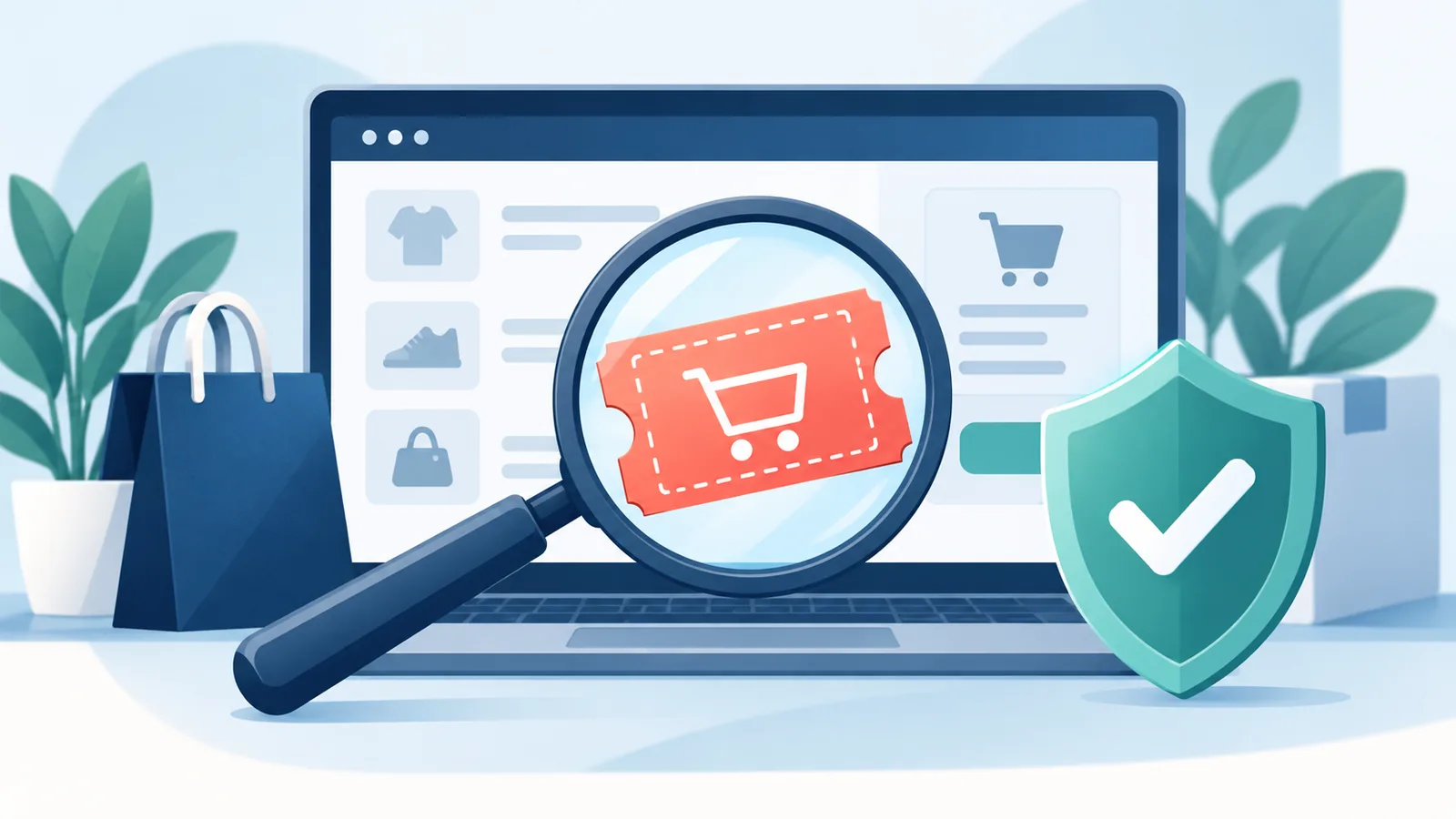
A coupon is only useful when it comes from a trustworthy source, matches your order and changes the price you will actually pay. A bold discount claim by itself proves none of those things. Before you enter personal details or place an order, use the checks below to decide whether an offer looks genuine and whether it applies to your cart.
This guide does not list or endorse a specific code. It gives you a repeatable way to evaluate any coupon or online deal before checkout.
Quick checklist: verify the source, terms and final total
- Open the retailer through a domain you already know or can verify independently.
- Check that the offer names the eligible products, audience, region and dates.
- Look for exclusions, minimum spend and rules about combining promotions.
- Apply the code only on the retailer's real checkout page.
- Confirm the order summary changes before you pay.
- Leave immediately if a coupon asks for a fee, gift-card payment, download or unnecessary sensitive information.
Start with the source, not the size of the discount
Begin on the retailer's official website or app instead of trusting a link simply because it uses a familiar logo. If an offer arrived by email, text message or social post, inspect the sender and destination before opening it. Lookalike domains, unexpected subdomains, misspellings and shortened links can hide where a click really goes.
When you are unsure, open a fresh tab and type the retailer's known address yourself. Check its promotions page, help centre or customer-service contact. The Federal Trade Commission's consumer advice similarly recommends contacting the company through a website or phone number you independently know is correct rather than relying on the message that delivered the offer.
Read the conditions before building your cart
A real code can still be unusable for your order. Read the terms for details such as:
- eligible products, categories or plans;
- minimum spend before shipping and tax;
- new-customer, student, member or app-only eligibility;
- country, currency or delivery-region limits;
- whether sale items or certain brands are excluded;
- whether the code can be combined with another promotion; and
- the start date, expiry date and time zone.
These restrictions are normal. For example, the Google Store's promotional-code help explains that eligibility, location, stacking and expiration rules may apply. A restriction does not make a coupon fake, but a page that hides all conditions gives you too little information to make a confident decision.
Verify the discount in the order summary
Before applying a code, note the exact product, quantity, billing cycle and subtotal. After applying it, read the order summary rather than relying only on a success banner. Check that the promised benefit appears as a clear line item or that the total changes in the expected way.
Also compare shipping charges, taxes and any subscription terms. A lower item price may not mean a lower final cost if another charge changes. You do not need to complete the purchase to perform this check.
If the retailer recognises the code but does not reduce the total, the problem may be eligibility rather than fraud. Our guide to why coupon codes fail at checkout covers common order-level causes and practical fixes.
Red flags that should stop the checkout
You must pay to unlock the coupon
Do not pay a fee or buy a gift card merely to receive or activate a discount. The US Federal Trade Commission warns that demands for gift-card payment and pressure to act immediately are common scam signals. If an unexpected offer makes that demand, stop and contact the company using a website or number you independently know is correct.
The page asks for information it does not need
A normal checkout needs information to process an order, but a coupon should not require bank credentials, government identifiers, remote-access software or an unrelated download. Close the page if the requested information does not fit the purchase.
The destination does not match the retailer
Brand colours and logos are easy to copy. Check the full domain and the connection, not just the page design. If the destination looks unrelated, redirects repeatedly or prevents you from seeing the terms, do not continue.
The claim is extreme but the details are vague
Treat urgency, guaranteed savings and unusually large benefits with caution when the offer does not identify eligible products, dates or exclusions. A trustworthy promotion should give you enough context to understand what it does and who can use it.
What to do when a code does not work
- Recheck spelling and remove accidental spaces.
- Confirm the exact product, quantity, region and account eligibility.
- Remove other promotions if the terms prohibit stacking.
- Review the date and time zone.
- Ask the retailer through its official support channel if the promotion is still valid.
Do not keep submitting codes on an unfamiliar site or hand over more information to make a questionable offer work. A failed code can be ordinary; a request for money, credentials or a risky download is not.
A 60-second routine before you buy
- Source: confirm who published the offer.
- Destination: open the retailer through a known-good domain.
- Terms: check products, spend, audience, region and dates.
- Cart: match the exact order to those conditions.
- Total: verify the final price changes before payment.
- Safety: stop if the offer asks for a fee, gift card, download or unrelated personal data.
You can use the same routine for a coupon code, an automatic discount or a deal link. For more shopping guides, browse the StackTheCoupons blog.
Frequently asked questions
Does a failed coupon code mean the offer is fake?
No. A legitimate code may fail because of product exclusions, minimum spend, location, account eligibility, stacking rules or expiration. Check the terms and ask the retailer through an official channel.
Is it safe to test a coupon at checkout?
It can be, provided you are on the retailer's verified domain and you stop before placing an order. Confirm the code changes the order summary and never install software or provide unrelated sensitive information to activate it.
Should I trust a coupon shared on social media?
Treat it as a lead, not proof. Verify the sender, navigate independently to the retailer, read the terms and confirm the result in the real checkout.
What should I do if an offer asks for gift-card payment?
Stop. Do not provide the card number or PIN. Contact the retailer through a known official channel, and consider reporting the message or account to the platform where you found it.