Affiliate disclosure: StackTheCoupons may earn a commission if you buy through links on this page, at no extra cost to you. This does not change the price or the compatibility checks below.
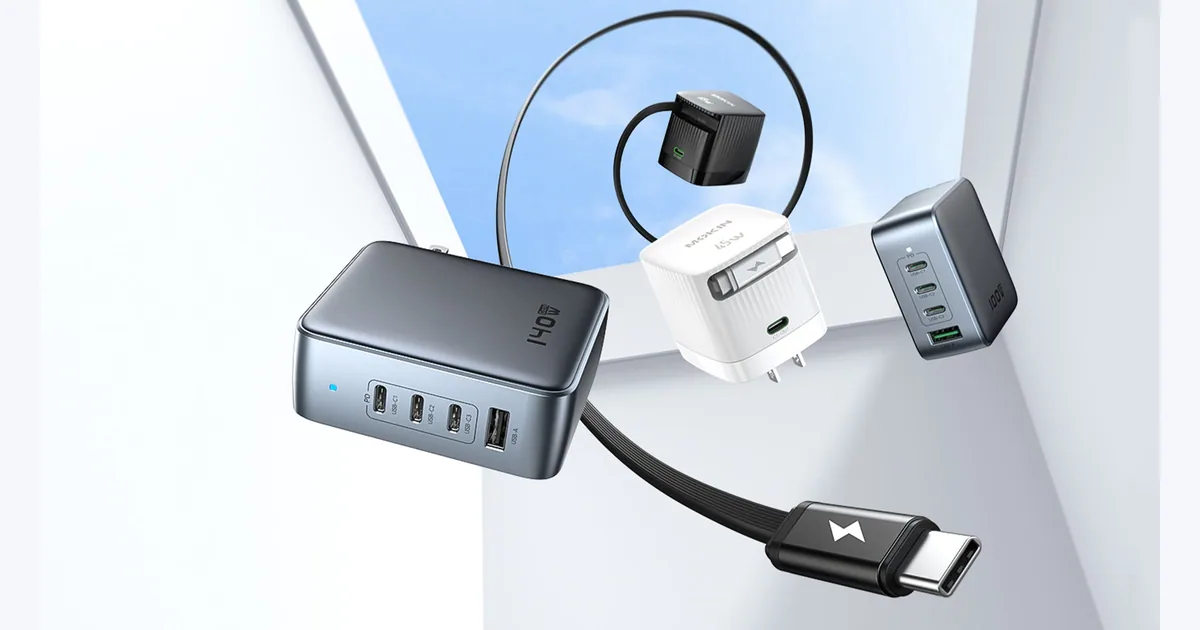
A docking station can have the connectors you want and still be the wrong match for your laptop. The deciding details are often on the computer side: whether its USB-C port carries video, how the operating system handles several displays, and how much charging power the laptop expects. Use this checklist to narrow MOKiN's dock and hub catalog without assuming every model behaves the same way.
Confirm what the laptop's USB-C port supports
USB-C describes a connector, not one capability set. A port may carry data while lacking the video mode a dock needs. Identify the exact laptop model and check the manufacturer's specifications for Thunderbolt or a full-function USB-C port with DisplayPort Alt Mode.
MOKiN's official page for the checked 11-in-1 docking station says the host computer needs Thunderbolt or full-function USB-C. Treat that as a model-specific requirement and use the live product page for any other dock you consider.
Separate Windows multi-display support from macOS behavior
Monitor count depends on the dock, host port, graphics hardware, operating system, resolution and refresh rate. For the checked 11-in-1 model, MOKiN warns that macOS external displays mirror rather than operate as independent extended desktops. A Mac user who needs different content on several external monitors should verify the exact dock-and-Mac combination before ordering.
Write down the laptop model, operating system, monitor count, connectors, target resolution and refresh rate, and whether mirrored or independent displays are acceptable. Compare that list with the model's official supported-mode table.
Match data ports and peripherals to the workload
Look beyond total port count. MOKiN lists three USB 3.1 ports at up to 10Gbps and two USB 2.0 ports at up to 480Mbps on the checked 11-in-1 model, plus Gigabit Ethernet and a 3.5mm audio and microphone connection. These are merchant specifications, not independent StackTheCoupons test results.
Faster ports may matter for external storage, while a keyboard, mouse or receiver may not need the same bandwidth. Check the exact model for required card slots, Ethernet, audio and display connections. The same principle applies when choosing compact peripherals: match the actual layout to your setup rather than buying by feature count alone. Our small-keyboard buying checklist offers a related example.
Check power input and laptop charging needs
Power-delivery figures can describe the dock's input rather than what reaches the laptop. MOKiN lists 100W PD input and up to 87W laptop charging for the checked 11-in-1 model. Confirm whether a suitable charger is included, then compare the stated laptop output with the computer manufacturer's recommended wattage.
Verify shipping, warranty and checkout details
MOKiN's shipping policy, dated September 22, 2026 when checked, states 1–3 business days of processing and checkout-calculated shipping fees. Its table lists the United States, United Kingdom, Canada, Australia, EU countries and selected Asian markets including Vietnam, while noting that remote-area limits may apply. This is not a promise that every item ships to every address.
The official warranty page states a 12-month warranty and requires proof of purchase for claims. Exclusions and possible return-shipping costs apply. Before paying, confirm current stock, selected model, final price and currency, destination eligibility, shipping fee, taxes or import notices, estimated delivery, returns and warranty terms.
Final compatibility checklist
- Confirm that the exact laptop port supports the dock's required video and data mode.
- Verify that the required monitor arrangement works with the operating system.
- Check display connectors, resolution and refresh rate for the chosen model.
- Match data ports, Ethernet, audio and card slots to the peripherals.
- Compare charging output with the laptop's needs and confirm the necessary adapter.
- Recheck stock, final price, shipping eligibility, fees and warranty at checkout.
Check the current MOKiN catalog and exact model specifications. This is the verified affiliate destination. No coupon, discount, stock status, delivery date or universal compatibility is promised.
Information checked against MOKiN's official catalog, representative 11-in-1 docking-station page, shipping policy and warranty page on October 5, 2026. Recheck the exact model and checkout before purchasing.