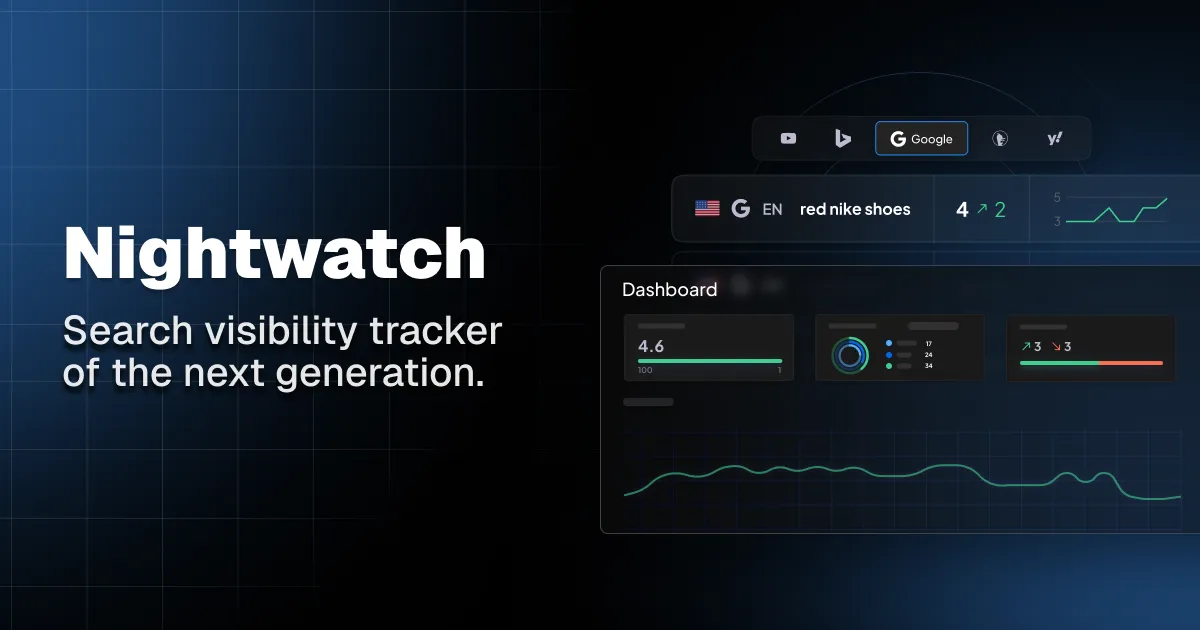
Nightwatch puts conventional search-position monitoring and AI-answer visibility in one product, but those are not the same measurement problem. A useful trial should not collapse them into one score or judge the platform from a handful of favorable examples.
This checklist is for SEO teams deciding whether Nightwatch fits an actual reporting workflow. It focuses on configuration, evidence, limits and handoff—not on promising higher rankings, more traffic or mentions in AI answers.
Affiliate disclosure: StackTheCoupons may earn a commission if you purchase through links on this page, at no extra cost to you. That does not change the checks below.
1. Define two measurement questions before setup
Write one question for classic search and another for AI visibility. For example:
Search: Can the team reproduce useful daily position reporting for the markets, devices, engines and result types it manages?
AI: Can the team monitor a stable panel of real customer questions across relevant AI providers and explain changes in mentions and citations?
Keep the answers separate. Nightwatch documentation distinguishes organic rank, Local Pack, image carousel, featured snippet and knowledge-panel positions. Its general Rank field can show the best position among tracked result types, so a movement there is not necessarily a change in organic position. Decide which column belongs in each report before collecting a baseline.
AI visibility also needs its own interpretation. A brand mention, its position in an answer, sentiment and a cited source describe an AI response; none is a Google ranking or a guarantee that future answers will repeat it.
2. Build the classic rank-tracking baseline
Choose a small, representative set of keywords rather than importing everything on day one. Include brand and non-brand terms, high-value pages, several difficulty levels and at least one query whose current result you already understand.
For every keyword, record:
search engine;
desktop or mobile;
country, city or precise location;
expected landing page;
rank type to report; and
the competitor set used for comparison.
Location choices deserve special attention. Nightwatch's local-tracking guidance recommends an exact location for local queries. Local Pack tracking also depends on configuring the matching Google Business Profile name. A location selected by the search engine is not a substitute for the market your client asked you to report.
Run a few manual spot checks during the pilot. Note the timestamp, location, device and result type instead of declaring the tool “accurate” from one matching result. Search results vary, and the test should reveal whether the configured data is decision-ready for your workflow.
3. Design an AI prompt panel without cherry-picking
Nightwatch's AI/LLM documentation recommends question-style prompts rather than compressed keyword strings. Start from questions that prospects, customers or sales teams actually ask. Divide them into categories such as discovery, comparison, implementation, risk and alternatives.
For each prompt, log the provider, target country or language, tag and reason for inclusion. Add your brand and the competitors you genuinely need to compare. Then review the fields Nightwatch exposes—such as mention visibility, entity position, sentiment and cited domains—alongside the underlying answer when available.
Do not delete prompts simply because the first result is unfavorable. Keep a fixed core panel for trend comparisons and a smaller experimental panel for new questions. Nightwatch currently describes regular prompt refreshes as daily, with different arrangements possible for custom enterprise setups; confirm the cadence available to your account.
The most useful pilot output is often diagnostic: which questions produce no brand mention, which sources appear repeatedly, and whether the selected prompt set reflects the market. It is not a promise that content changes will produce a recommendation.
4. Map plan limits to the pilot workload
The current Nightwatch pricing page varies allowances for tracked keywords, websites, competitors, AI prompts, AI answers, keyword-research runs, site-audit pages and agent credits. It also distinguishes access to items such as Looker Studio, API capabilities, white-label reporting, support and enterprise controls.
Build a simple workload estimate before selecting a plan:
Work unit | Pilot count | Expected production count | Why it matters |
|---|---|---|---|
Keywords by engine, device and location | One phrase may require several tracked combinations. | ||
Websites or client properties | Agency portfolios can outgrow a small pilot quickly. | ||
Competitors per site | Keep the comparison set purposeful. | ||
AI prompts and providers | Provider and market coverage can multiply usage. | ||
Audit pages | Match crawl capacity to the sites you will actually audit. | ||
Research or agent runs | Estimate recurring work, not just initial setup. |
Use the live pricing calculator or plan table for the final decision. Limits, billing intervals, currencies and feature packaging can change, so do not rely on a screenshot or a third-party comparison page.
5. Test integrations, reports and permissions
Nightwatch documents connections to Google Analytics and Google Search Console. Depending on the configured view, those connections can surface measurements including sessions, pageviews, users, clicks, impressions, Search Console positions and click-through rate.
Test with the least access needed under your organization's policy. Confirm the correct Analytics property and Search Console site, then verify a few known dates against their source systems. Record who owns the connection and how the team will recover from an expired authorization.
Create one report that a stakeholder would actually receive. Check its definitions, date range, location, device, rank type, competitor scope and delivery format. If your workflow depends on Looker Studio, an API, exports or white-labeling, test that exact path and confirm the required plan instead of assuming every account includes it.
For more evaluation principles, browse the StackTheCoupons editorial guides and compare the same evidence categories across tools.
6. Review trial, billing and regional details
Nightwatch's current signup documentation describes a 14-day trial without a credit card and treats subscription as a separate billing step. Confirm the terms presented to your account at signup rather than assuming an older help article or review still applies.
Before paying, capture:
monthly versus annual billing;
the checkout currency and any applicable tax;
the exact usage limits selected;
renewal and cancellation terms;
required integrations and permissions;
data retention or security requirements; and
the support path your team will use.
The main pricing page currently displays euro-denominated plan figures, while account, market or legacy conditions may differ. The checkout shown to your organization is the controlling reference.
7. Make a go/no-go decision from recorded evidence
Score the pilot against criteria you set before the trial: configuration effort, coverage, reproducibility, reporting clarity, integration fit, permissions, expected production volume and total cost. List any unresolved limitation with an owner and a deadline.
Choose go only if the workflow produces interpretable evidence for the team's real markets. Choose revise if the keyword, location or prompt design was weak. Choose no-go if required coverage, permissions, exports or costs do not fit. A clean no-go is more valuable than stretching a dashboard into a claim it cannot support.
When you are ready to inspect the current trial and plan details, visit Nightwatch through the verified affiliate destination. Recheck the live pricing and terms before subscribing.