Choosing a keyboard or mouse is difficult because labels such as “ergonomic,” “portable” and “multi-device” describe broad categories, not whether a product will work with your desk, operating system or daily routine. This guide gives you a practical way to narrow ProtoArc’s current keyboards, mice and combos by layout, pointing style, connectivity and travel needs before you order.
Affiliate disclosure: StackTheCoupons may earn a commission if you buy through links on this page, at no extra cost to you.
Start with the work you actually do, then verify the exact model and variant.
Quick answer: match the device to the routine
For a fixed desk, decide whether you need a number pad, a compact footprint or a split/curved layout. For travel, prioritize folded size, carrying protection and whether you still need a full number pad. For a mouse, choose among conventional movement, a vertical grip or a stationary trackball based on your available desk space and control preference. Then confirm the exact model’s supported connection methods, operating systems, included receiver or cable, and switching process.
ProtoArc currently organizes its catalog into keyboards, mice, keyboard-and-mouse combos, chairs, desks and accessories. Within the input-device ranges, the site separates ergonomic, foldable, wireless, quiet and backlit keyboards, plus conventional, vertical and trackball mice. Those categories are useful filters, but the individual product page should make the final decision.
1. Choose the keyboard layout before the extra features
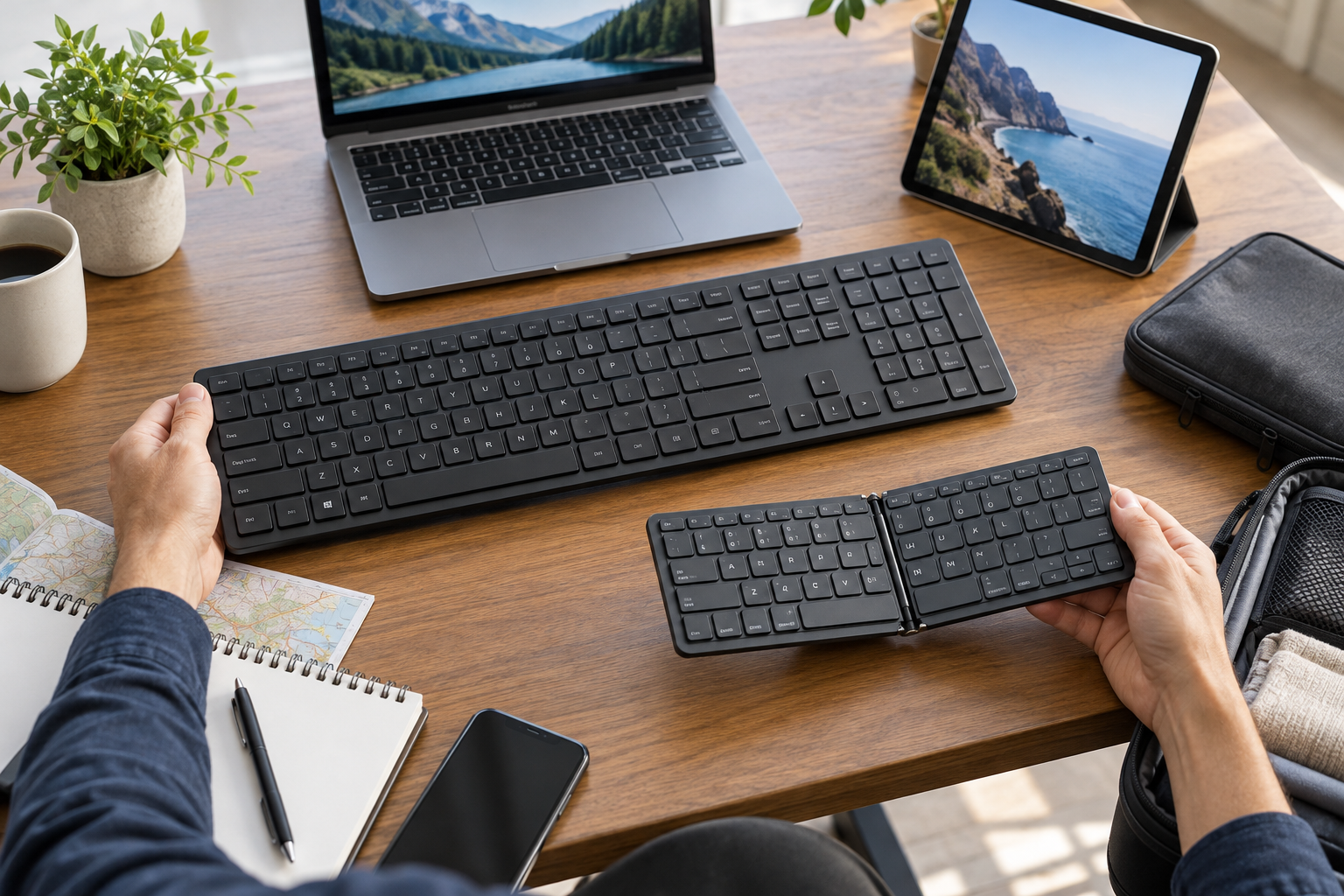
Adult hands comparing a generic full-size keyboard and compact foldable keyboard for office and travel use
Full-size for number-heavy work
A full-size layout is the straightforward choice when you regularly enter figures, use dedicated navigation keys or depend on a number pad. The tradeoff is width: a larger keyboard leaves less room for the mouse and takes more space in a bag. Measure your usable desk width and position the keyboard and mouse together before assuming they will fit comfortably.
Compact when desk and bag space matter
A compact keyboard can free mouse space and pack more easily, but may move functions behind shortcuts or omit the number pad. Check the current key map rather than relying only on a product photo. If your workflow uses Home, End, Page Up, Page Down, function keys or a numeric pad, confirm exactly how those inputs are accessed.
Curved or split for a different hand position
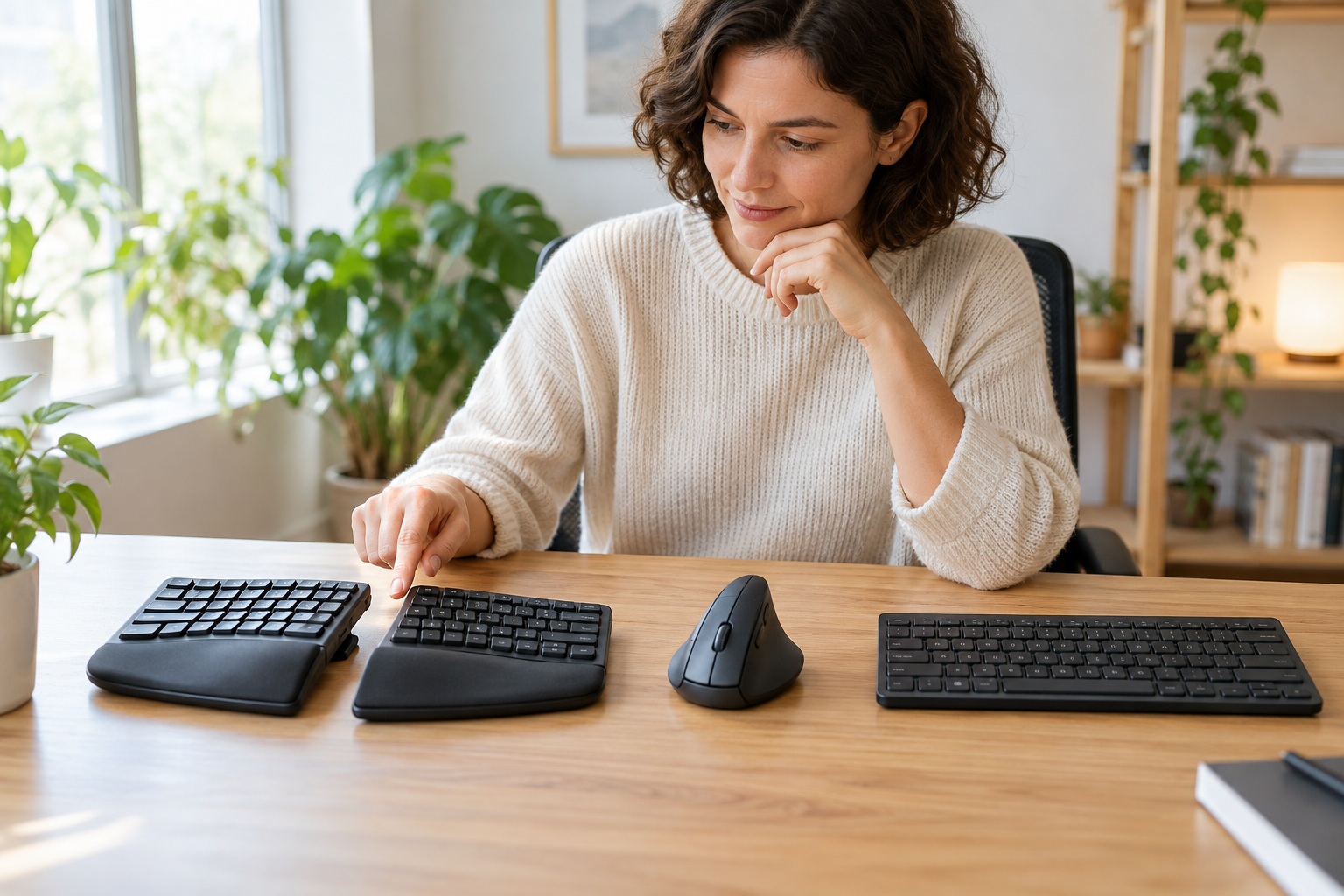
ProtoArc’s current keyboard catalog includes curved ergonomic and split designs as well as straight boards. A curved one-piece board fixes the key sections at a particular angle, while a separated design may allow more positioning flexibility. Neither shape guarantees comfort or treats a medical condition. Compare the board’s dimensions, wrist-rest design and adjustment options with your shoulder width, desk height and typing habits. Expect an adaptation period if the key positions differ from your current keyboard.
2. Decide whether portability is worth the compromises
ProtoArc’s foldable keyboard range includes bi-fold and tri-fold formats, with some current models offering a number pad or touchpad. The merchant’s collection pages also distinguish backlit versions and travel combos that pair a folding keyboard with a mouse and, in some packages, a case or stand.
Before choosing a folding model, answer four questions:
Does the folded keyboard fit the bag compartment you will actually use?
Does the unfolded layout include every key you need?
Is the required case, stand, mouse and charging cable included in the exact package?
Can the keyboard connect to all the devices you plan to carry?
Do not assume every accessory shown in a lifestyle photo is included. Variant contents can differ. If you work mainly at one desk, a rigid keyboard may be simpler; if you move between a laptop, tablet and phone, folded size and multi-device switching may be more valuable than a permanently fixed layout.
3. Choose a mouse by movement style and desk space
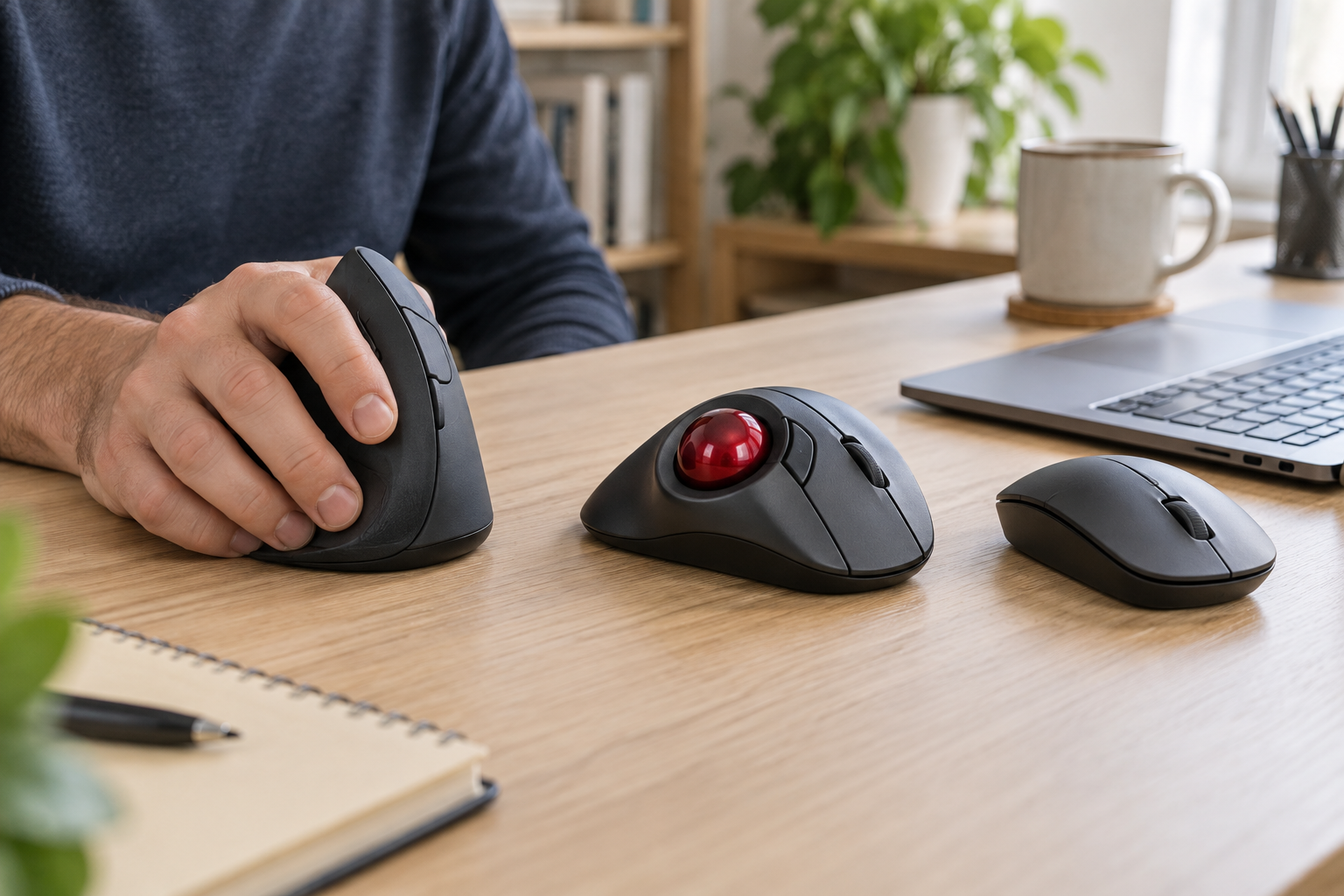
Adult hand testing a generic vertical mouse beside trackball and conventional wireless mice
Conventional mouse
A conventional wireless mouse is familiar and easy to move between workspaces. It still needs surface area for pointer movement. Check its physical size, button layout, connection type and whether the receiver can be stored inside the mouse for travel.
Vertical mouse
A vertical mouse changes the forearm and hand orientation compared with a flat mouse. Grip shape and size matter: a design that suits one hand may feel awkward in another. Confirm whether the exact model is intended for the left or right hand, inspect the button arrangement, and check the available DPI settings and device-switching method. Treat ergonomic language as design information, not a medical promise.
Trackball mouse
A trackball stays largely in one place while the user moves the ball with a thumb or finger. This can suit a narrow desk, tray table or workstation where sweeping mouse movement is inconvenient. The main choice is the control style: thumb trackballs and finger-operated trackballs feel different. Also check ball access for cleaning, button placement and supported software or browser-based configuration for the exact model.
ProtoArc’s current mouse collection includes vertical, trackball, compact and other wireless models. Features vary, so do not transfer a Bluetooth, quiet-click, rechargeable-battery or customization claim from one model to another.
4. Verify connections, operating systems and switching
“Wireless” may mean Bluetooth, a 2.4 GHz USB receiver, or both. Before checkout, list every device you want to control and its available ports. A tablet may accept Bluetooth but have no convenient full-size USB port. A managed work computer may restrict Bluetooth pairing or software installation. A desktop may need the included receiver.
For multi-device products, confirm how many channels the exact model supports and how you switch between them. Check whether the keyboard and mouse switch together or independently in a combo. Also verify the operating-system layout: key legends and shortcuts for Windows, macOS, iOS, iPadOS, Android or ChromeOS can differ even when basic typing works.
ProtoArc’s Support Center currently provides product manuals, driver downloads, a browser-based Device Setup Center for supported controls, order tracking and compatibility information. Check the support page for your exact model before buying if remapping, macros, firmware or special buttons matter to the workflow.
5. Compare a combo with separate devices
A keyboard-and-mouse combo can simplify purchasing and may share a design theme or receiver. It is most useful when both included devices fit the same use case. A travel combo, for example, may prioritize packability, while a desk-focused combo may prioritize a full layout.
Buying separately makes more sense when your needs are asymmetric—perhaps you want a full-size keyboard but a stationary trackball, or a compact keyboard with a larger vertical mouse. Compare the exact included items, connection methods and return implications. A lower bundle price is not useful if one component does not suit the setup.
6. Shipping, returns and warranty limits
ProtoArc’s current shipping policy says in-stock orders are generally processed and verified within 12 hours, then usually leave the distribution center within 24 hours after processing. The policy lists standard delivery estimates of three to five business days for the continental United States and five to seven business days for Canada. Shipping to the United Kingdom, Germany and selected EU countries is described as varying by destination. Hawaii, Alaska, APO/FPO addresses and outlying territories have restricted service, so confirm eligibility at checkout.
The same policy says continental-U.S. orders over $19.99 receive free shipping, while Canada and supported European destinations are calculated at checkout. Remote, international and oversized shipments may carry additional charges. These are current policy statements, not guarantees; check the final destination, delivery estimate and total before paying.
For purchases from ProtoArc’s own site, the current return policy provides a 30-day window from delivery. A return requires approval and an RMA number. Keep the original packaging, receivers, cables, manuals and promotional gifts. ProtoArc states that it supplies a prepaid label for verified defects or incorrect items, while buyers pay return shipping for personal-reason returns. Purchases from Amazon, Walmart or another authorized platform follow that platform’s return process.
ProtoArc’s current warranty policy lists two years of coverage for computer and office accessories from the delivery date. Furniture has different terms. Coverage details and claim requirements can vary by product, so save proof of purchase and the serial number, and consult the exact product manual and policy rather than relying on a category summary.
7. Is there a verified ProtoArc coupon here?
No customer-facing coupon code or fixed discount was supplied in the source record, and this page does not promise one. The link below preserves the exact verified affiliate destination. Current prices, automatic promotions and availability can change, so confirm the product page and checkout total yourself.
If you see a promotion elsewhere, use this coupon and deal scam checklist to verify its source and terms.
Browse ProtoArc through the verified link
Final pre-purchase checklist
Choose full-size, compact, foldable, curved or split based on your real key use and available space.
For a mouse, choose conventional, vertical or trackball movement and confirm handedness where relevant.
Measure the keyboard, mouse area and travel compartment.
Verify Bluetooth and receiver requirements for every computer, tablet or phone.
Confirm operating-system support, key layout, switching steps and any configuration requirement.
Read the exact package contents; do not infer included accessories from images.
Check the current shipping destination, final total, return conditions and warranty for the chosen model.
Keep the box, accessories, order record and serial number until the setup is fully checked.
Frequently asked questions
Should I choose a foldable keyboard for everyday desk use?
Choose it when portability is central to the routine. For a permanent workstation, compare the folding joints, layout and included features with a rigid keyboard before deciding. The most portable option is not automatically the best fixed-desk option.
Is a vertical mouse better than a trackball?
They solve different interaction preferences. A vertical mouse still moves across the desk with a rotated grip; a trackball stays in place while the ball moves. Hand fit, desk space and learning preference should guide the choice. Neither is a guaranteed medical solution.
Can one ProtoArc device work with several computers?
Some current models support multiple Bluetooth channels or more than one connection method, but the channel count and switching behavior vary. Confirm the exact product page and manual.
Does ProtoArc ship everywhere?
The current policy covers the continental United States, Canada, the United Kingdom, Germany and selected EU destinations, with restrictions for some U.S. regions and destination-dependent European service. Confirm your address at checkout.
How long is the warranty for keyboards and mice?
The current warranty policy states two years for computer and office accessories from delivery, subject to its terms and the specific product documentation.
Bottom line
The useful way to shop ProtoArc is to start with constraints: desk width, required keys, mouse movement style, devices, ports and travel load. Once the category is clear, verify the exact model’s dimensions, layout, connections, compatibility, package contents and service terms. That process is more reliable than choosing from an ergonomic or portable label alone.